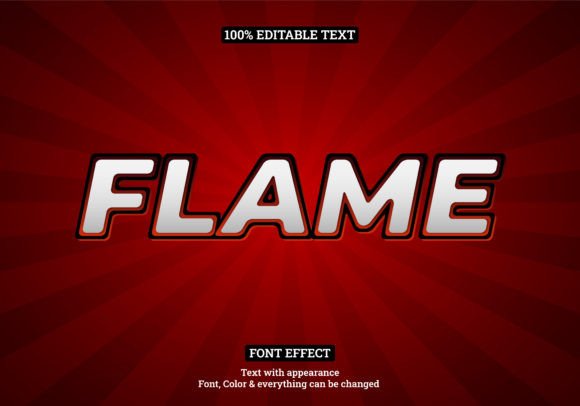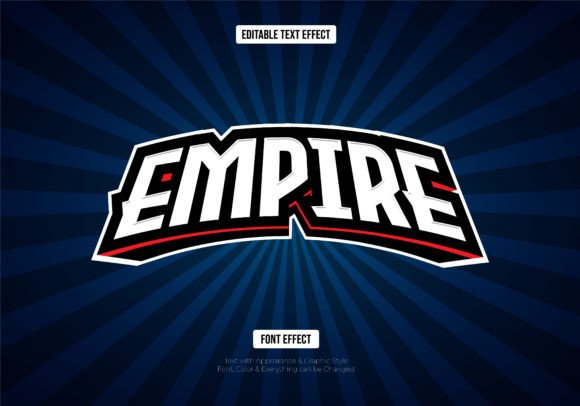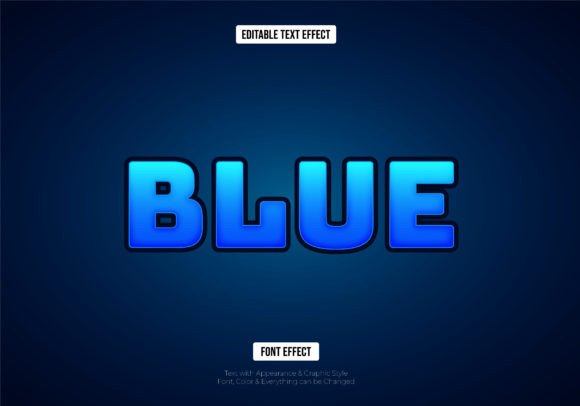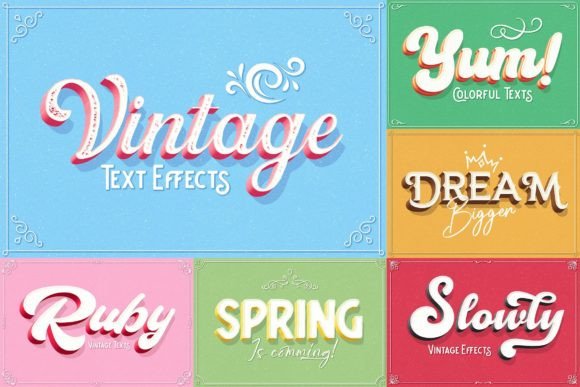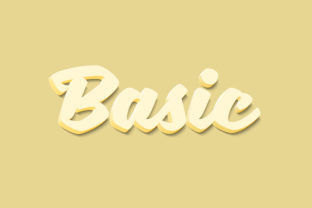
Basic - 3D Text Style Effect
Imagine adding instant depth and dimension to your typography with a single click. That's the power of the Basic - 3D Text Style Effect, a versatile design asset crafted to transform ordinary text into striking, three-dimensional headlines. This isn't just a font; it's a complete, editable template built for designers who need to create impactful visuals quickly and professionally.
At its core, this resource is a meticulously organized Photoshop file (PSD) that uses Smart Object technology. This means you can easily replace the placeholder text with your own words, adjust fonts, or even insert custom shapes, and the 3D effect will automatically apply to your changes. The high-resolution 3000×2000 pixel canvas at 300dpi ensures your final output is crisp and suitable for both digital and print projects.
Where This 3D Text Style Shines
The practical applications for a bold, dimensional text effect are vast. It’s particularly useful for projects where you need your message to stand out immediately. Consider using it for:
- Logo Design & Brand Identity: Create memorable wordmarks or logotypes that have a modern, tactile quality, perfect for tech brands, gaming, or creative agencies.
- Poster & Event Flyers: Grab attention for concerts, sales, or announcements with headlines that pop off the page.
- Social Media Graphics: Design eye-catching Instagram stories, YouTube thumbnails, or promotional banners that stop the scroll.
- Packaging & Merchandise: Add a premium, tactile feel to product labels, apparel designs, or sticker packs.
- Editorial Design: Use it for magazine covers, chapter headings, or pull quotes to create visual interest and hierarchy.
Smart Features for Seamless Editing
What makes this asset particularly user-friendly is its intelligent file structure. The process is straightforward: open the PSD, locate the clearly labeled Smart Object layer, and double-click. This opens a separate window where you can type your text, change the font, or add vector shapes. Once you save and close that window, the 3D effect updates instantly in the main file. This non-destructive workflow saves tremendous time and allows for endless experimentation.
The download package includes everything you need to get started: the main PSD file, a preview JPG for a quick look at the final result, and a Read Me.txt file that conveniently provides a link to the font used in the preview, helping you maintain design consistency.
Tips for Choosing and Using 3D Text Effects
When incorporating a style like this into your work, a few considerations will help you achieve the best results. First, always test readability. While 3D effects are dramatic, ensure your text remains legible at the intended size, especially for body copy. This style is best suited for display purposes—headlines, titles, and short phrases.
Next, think about mood and context. A bold, dimensional effect conveys energy, modernity, and confidence. It pairs well with sans-serif fonts for a clean, contemporary look or with a script font for a dynamic contrast. Consider the overall tone of your brand or project to ensure the effect enhances rather than clashes with your message.
Finally, remember licensing. This asset is provided for your creative projects, but it's always good practice to review the terms, especially if you plan to use it in commercial client work or for print-on-demand services. The organized layers and high resolution make it a robust piece in your design toolkit, capable of elevating presentations, marketing materials, and digital content with a professional, polished finish. Choosing the right design assets like this one isn't just about aesthetics; it's about finding efficient tools that help you communicate more effectively and build a stronger visual identity.