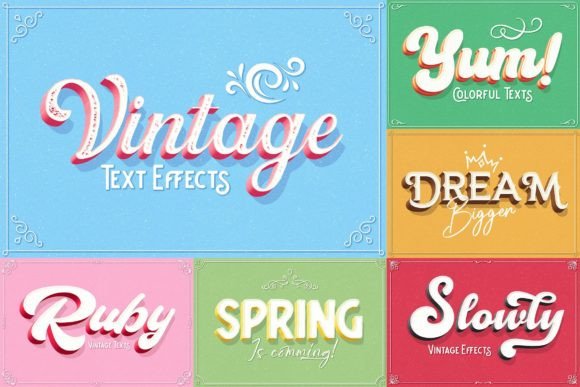
Vintage Text Effects: Retro Charm in Fresh Colors
Imagine instantly giving your digital designs the worn texture and nostalgic appeal of a classic print shop, but with a modern, vibrant color palette. That’s the creative promise of a well-crafted vintage text effect. These design assets are not just fonts; they are powerful tools that transform ordinary text into eye-catching, tactile-looking typography, perfect for projects that need to stand out and tell a story.
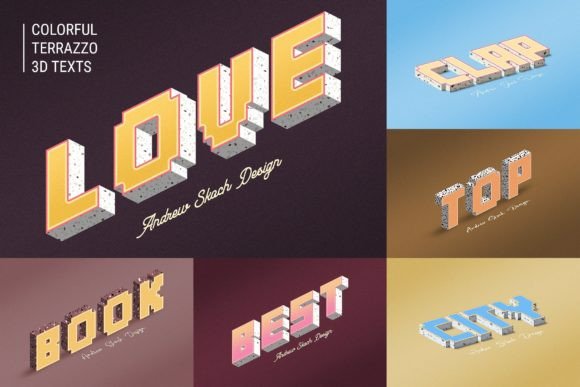
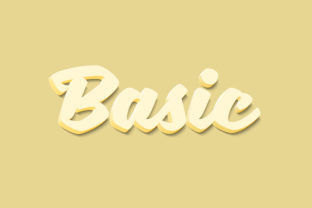
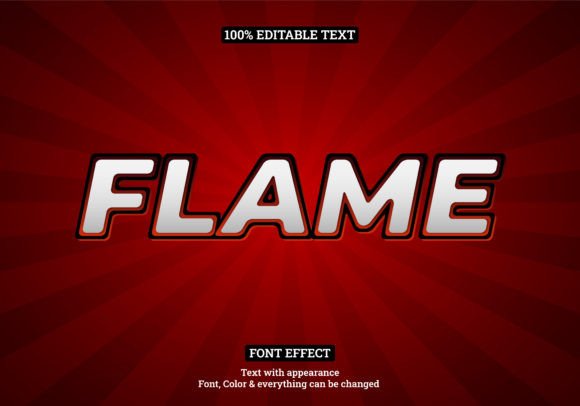
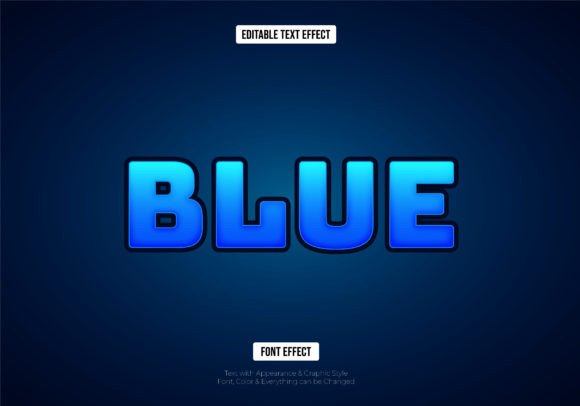
This particular set of Vintage Text Effects is designed for maximum creative flexibility and ease of use. It arrives as a collection of six high-resolution Photoshop templates, each offering a distinct retro aesthetic. The true power lies in the smart object functionality. Instead of spending hours manually creating textures and layer styles, you simply double-click the smart layer, type your own text or place your logo, save, and watch the vintage effect apply automatically. It works seamlessly with text layers, vector shapes, pixel layers, and even folder groups, making it a versatile addition to any designer's toolkit.
Where Can You Use These Retro Text Effects?
The applications are nearly endless, spanning both digital and print realms. Consider using them to craft a memorable brand identity or logo with instant character. They are exceptional for creating standout poster design, event flyers, and cinematic title sequences that demand attention. In the digital space, they can elevate a YouTube cover, Facebook banner, or website hero section, giving social media graphics a polished, professional edge that encourages engagement. They are also ideal for packaging design, merchandise like T-shirts and mugs, wedding invitations, and editorial layouts.
- Digital & Social Media: Create scroll-stopping Facebook covers, YouTube thumbnails, Instagram stories, and website banners.
- Print & Branding: Design authentic-looking posters, flyers, business cards, product labels, and apparel graphics.
- Titles & Overlays: Produce cinematic movie titles, video intros, and dynamic text overlays for presentations.
Tips for Choosing and Using a Premium Font Effect
When selecting a premium font or text effect, consider more than just the initial visual appeal. First, check the readability at the sizes you intend to use. A highly textured display font might look stunning large but could lose clarity in smaller body text. Next, match the mood. Does the vintage style complement your project's tone—whether it's rustic, psychedelic, Art Deco, or 1970s groovy? Always test font pairings. A strong vintage display effect often pairs beautifully with a clean, modern sans serif font for body copy, creating a balanced and professional hierarchy.
This template set simplifies the process by including a helpful PDF with direct download links for the recommended free fonts used in the previews. This ensures you can achieve the exact look from the examples. Furthermore, the layers are well-organized and 100% editable, allowing you to tweak colors, shadows, and textures to perfectly align with your specific color scheme or brand guidelines.
Investing in a high-quality design asset like this saves significant production time while dramatically elevating the quality of your output. It allows you to achieve a consistent, professional visual language across all your projects, strengthening brand recognition and making every piece of communication look more thoughtful and crafted. Whether you're a seasoned graphic designer or a content creator looking to enhance your visuals, having a reliable set of vintage text effects in your library is a smart creative investment.